Print Preview: Does Your Website Print Cleanly?

Check your site’s print preview before anyone wastes paper on it — a two-minute Ctrl+P test reveals broken layouts, hidden text, and wasted pages.
Step-by-step guides for previewing and testing websites.
Check your site’s print preview before anyone wastes paper on it — a two-minute Ctrl+P test reveals broken layouts, hidden text, and wasted pages.
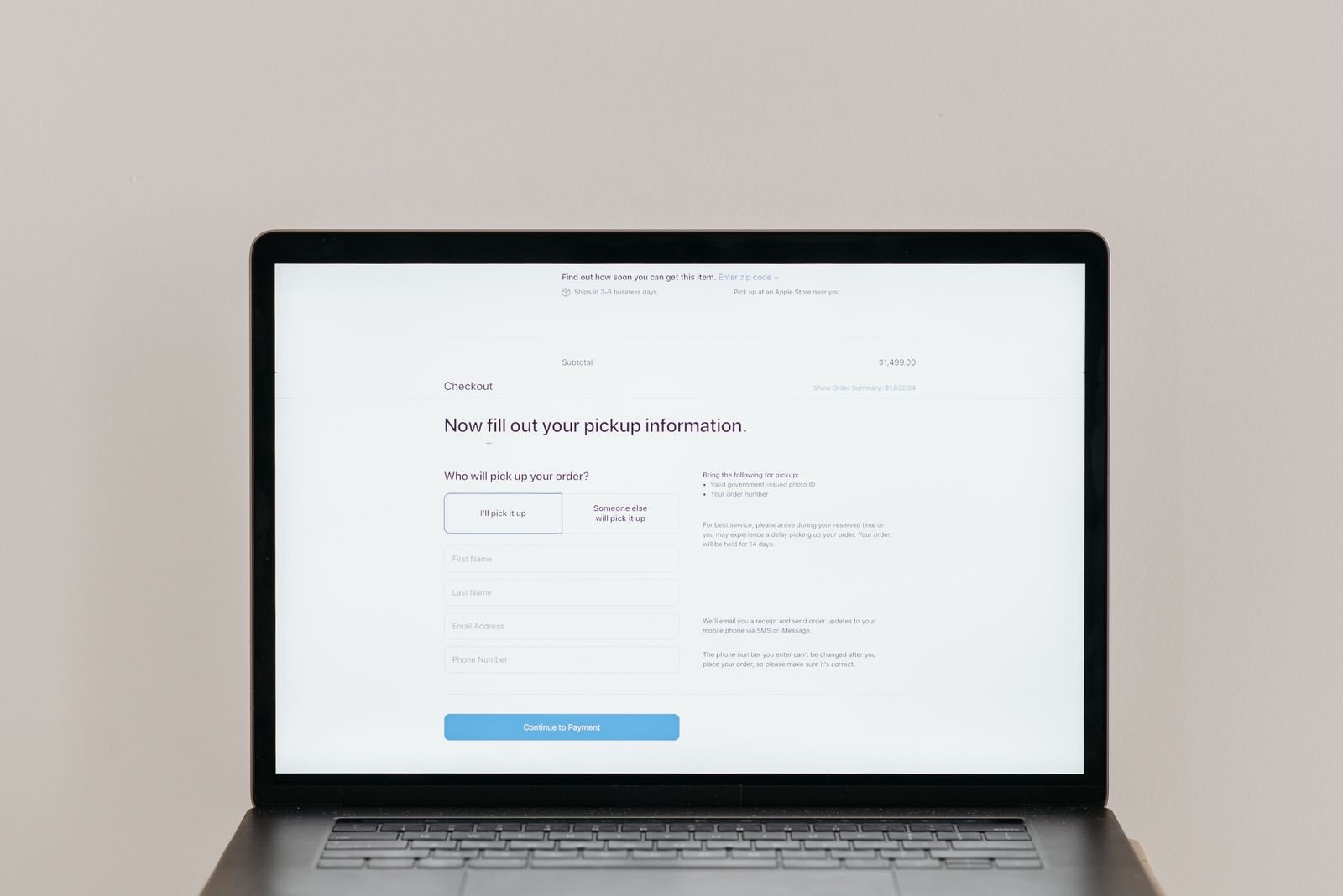
Test your contact form and checkout flow before launch with a step-by-step check that catches silent failures before they cost you enquiries and sales.

You can check your site in Safari, Edge, and other browsers you don’t have installed using free screenshot and live-session tools — no second computer needed.

Learn how to test dark mode on your website with browser DevTools emulation and a real-phone check, and fix the five defects that break most sites in dark mode.

Core Web Vitals explained in plain English: what LCP, INP, and CLS measure, what good scores look like, and the fixes that move each number.

Test your site the way visitors on slow mobile connections experience it — throttle your connection, measure under real conditions, and fix what hurts most when bandwidth is scarce.

Tablets sit between phones and laptops — and that in-between size is exactly where layouts quietly break. Here’s how to preview your site on tablet screens before visitors do.

Your new site is ready on its new host, but DNS still points visitors at the old one — here’s how to preview the new version today, before propagation finishes.
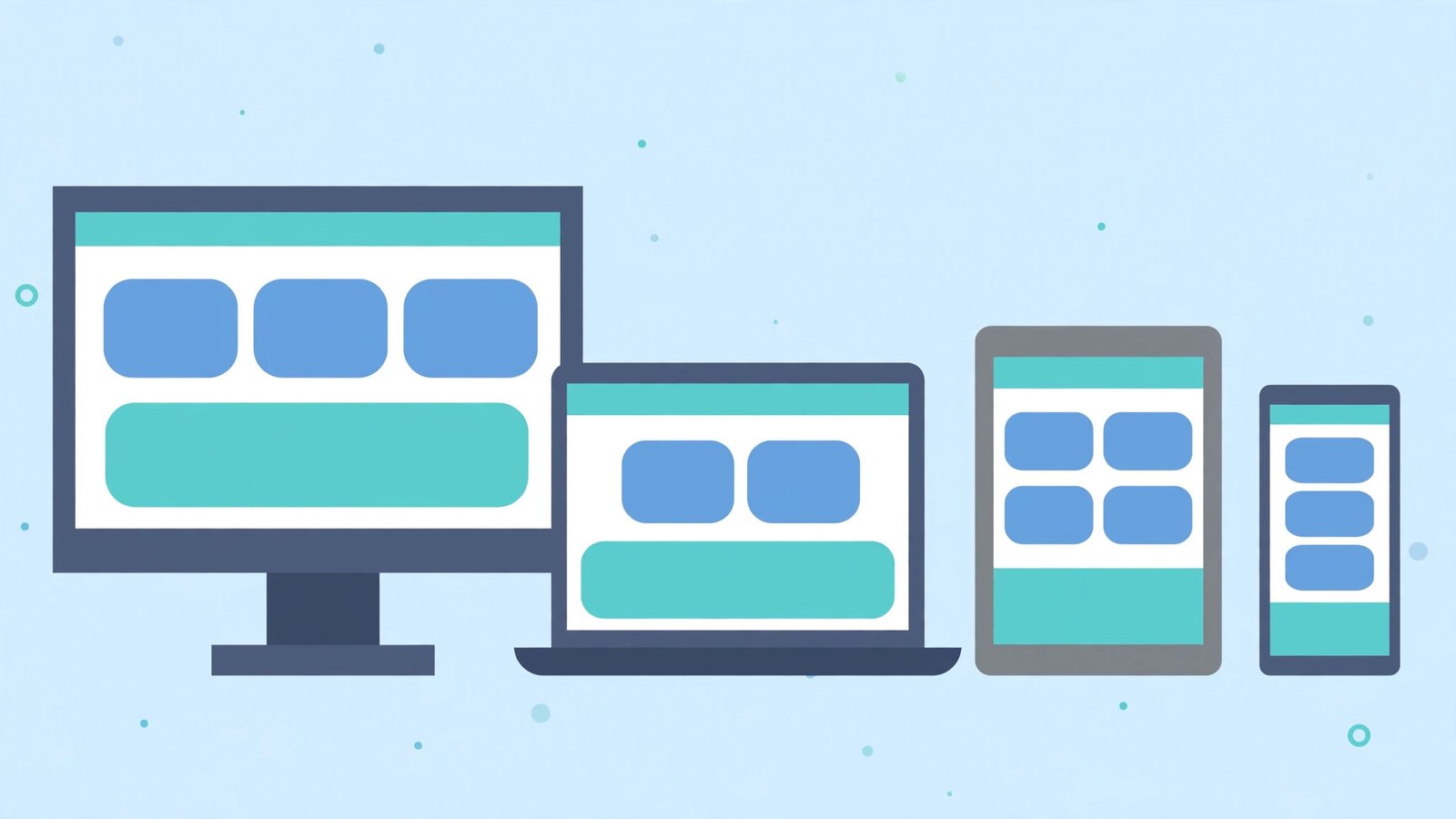
Your site can look perfect on your laptop and fall apart on a phone. Here’s a step-by-step way to test your website on different screen sizes, catch the breakage early, and fix it before visitors do.
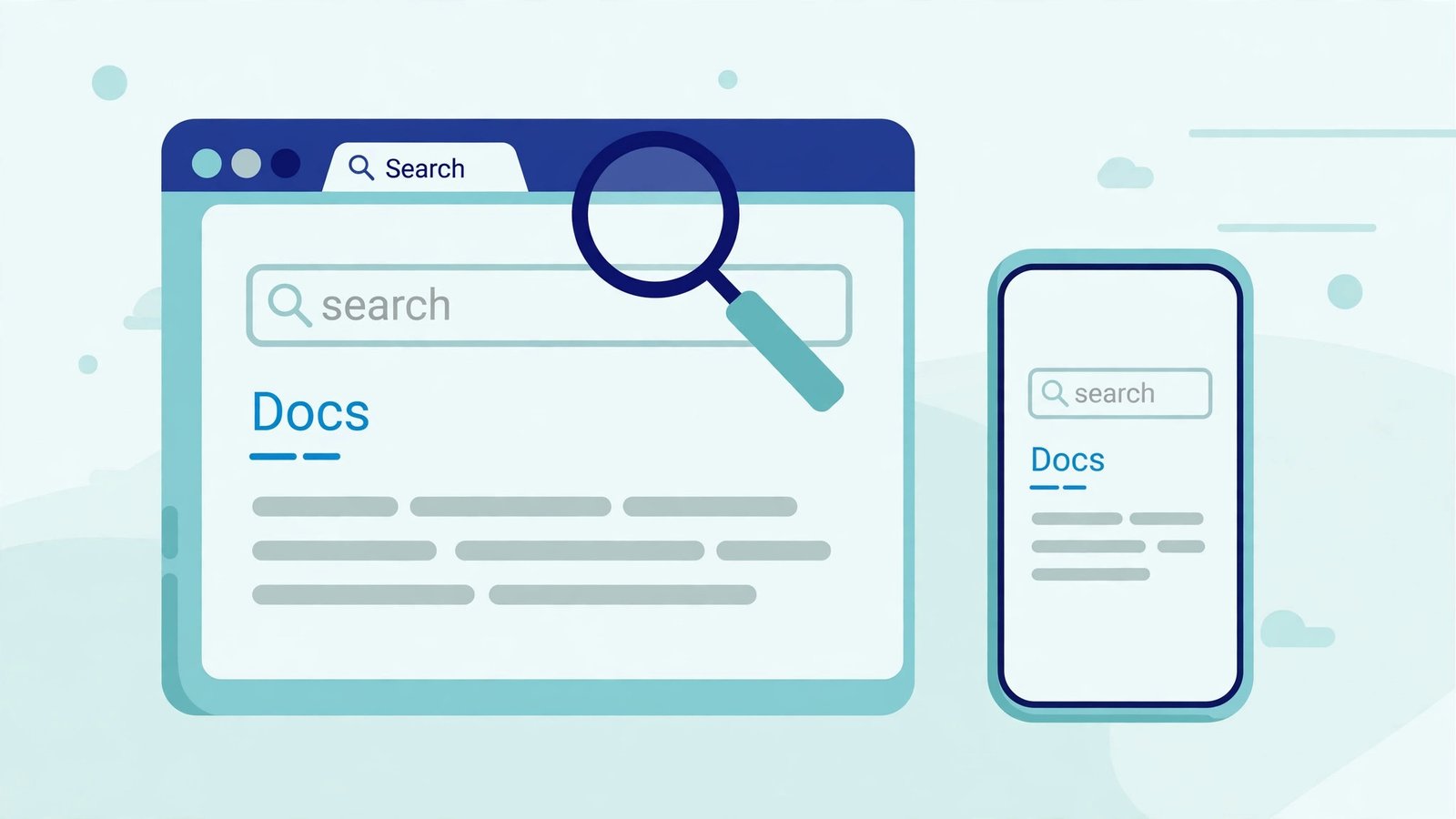
Your meta title and description are your page’s shop window in Google — but Google rewrites them when they are too long or off-topic. Learn how to preview meta title description exactly as searchers will see it, before you publish.